Can you fax without a phone line? How to switch to online fax
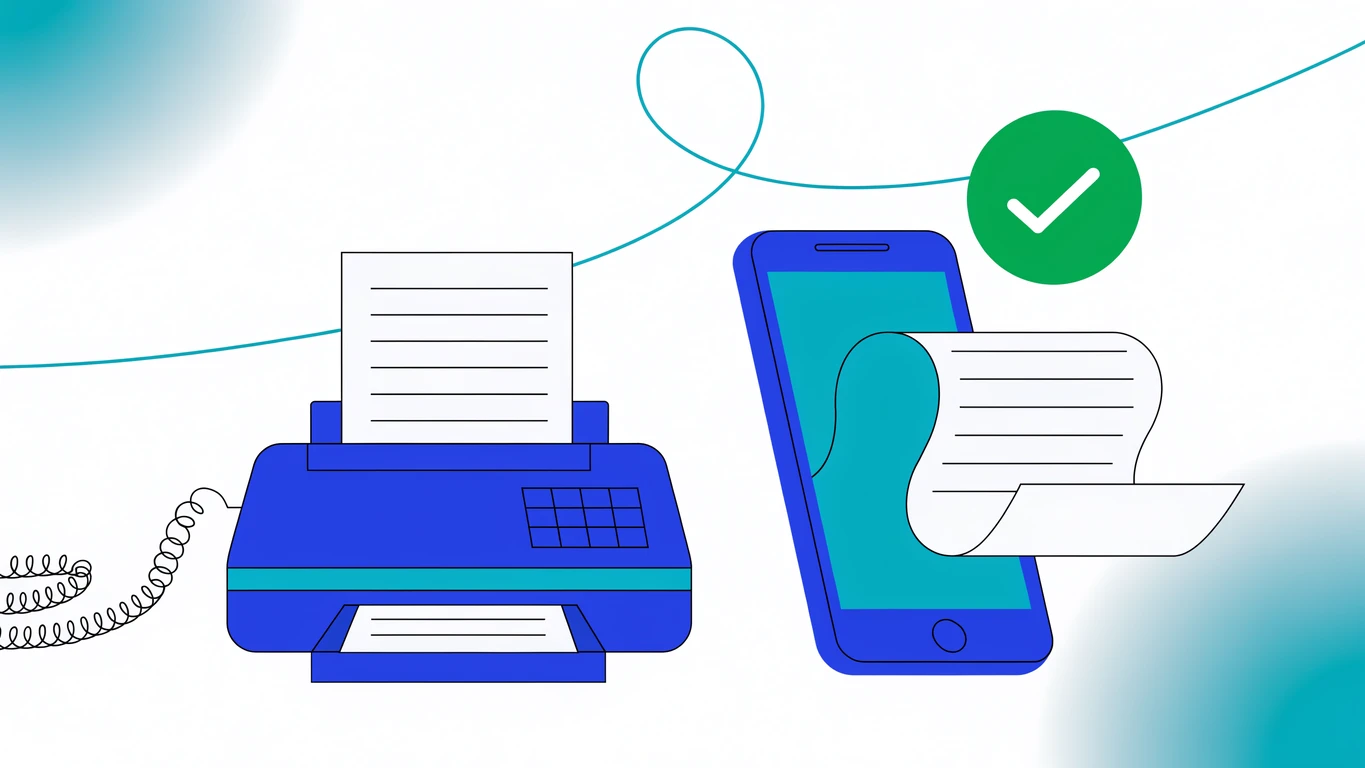
Yes. You can fax without a phone line. An online fax service keeps the connection to the phone network for you: you upload a document from a phone, tablet, or browser, the service hands it to a fax carrier, and the carrier dials the recipient's fax machine. No landline, no analog jack, no machine.
Something still arrives by fax: an insurer, a county clerk, a bank. The machine in the corner is the only reason most offices still pay for a phone line, and this post covers what replaces it, what each route costs, and what the switch takes. We build Faxify, an online fax service from Const Agility, LLC in Texas, USA, serving the United States and Canada, so read this as an interested party. It is still checkable: the costs below are published prices and carrier quotes, and where Faxify is the wrong switch is named rather than buried.
TL;DR
- You can fax without a landline. Faxing needs a phone line somewhere in the chain, but with online fax it is the carrier's, not yours.
- A physical machine does still need one: analog, or VoIP through a T.38-capable adapter, the least dependable route.
- Cost: a laser fax lists at $289.99 plus $30 to $60 a month for a bare line, so $650 to $1,010 in year one. Faxify is 5 free pages a month, a $2.99 Fax Pass for up to 25 pages, or $69.99 a year (about $5.83 a month) with a dedicated number.
- Keeping your current number: porting in is supported on request. It runs one to two weeks through the carrier, needs a signed authorization and a recent bill, and you keep the old line live until it confirms.
Do you have to have a phone line to fax?
Can you fax without a landline? Yes, and you need no phone line of your own at all. A fax is an image sent inside a phone call: two machines negotiate, then one paints the page onto the other. That call has to exist. The question is who places it.
With a machine, you place it, which is why it needs a line. With an online fax service, the carrier does: your document travels over an encrypted connection, gets converted to fax format, and the carrier dials out on the public fax network. Faxify routes that leg through SignalWire, so the receiving end sees an ordinary inbound fax.
Receiving works in reverse, with one requirement: inbound faxes need a fax number of your own, living on a server instead of a jack in the wall. Sending needs none. Longer version: what a fax number is and how to get one.
Can a fax machine work without a phone line?
Three honest options, strongest first.
An analog line (POTS). What the machine was designed for, and still the version that works best. It is also the one carriers are leaving: a 2019 FCC order freed incumbents from the obligation to lease analog copper loops at regulated wholesale rates, and the transition ran out on August 2, 2022. Copper pricing has been the carrier's call since.
A VoIP line plus an adapter. You can put a machine behind an analog telephone adapter on a VoIP account, if that provider supports the T.38 fax protocol. Then it comes down to jitter. Fax has none of a voice call's tolerance for dropped packets, and a page that fails at 80% sends nothing.
This middle option is the one we would talk anybody out of. You keep the hardware, the toner, the jams, and the per-page cost, and trade the machine's one advantage, a stable analog line, for a connection nobody guarantees will carry fax.
No machine at all. This drops the line and the hardware together, and it is the rest of this post.
Can my all-in-one printer send a fax, and what if there's no phone line?
Not without a line. The Fax button on an all-in-one printer drives a fax modem built into the printer, and that modem needs what a standalone machine needs: an analog phone line, or VoIP through a T.38-capable adapter, plugged into the printer's fax port. Unplug the line, which is the switch this post argues for, and faxing stops. Printing, scanning, and copying carry on as before.
So keep the printer for paper and move the fax itself online. Scan the pages on the printer or with the scanner in the Faxify app, or save the document as a PDF, then send it from the Faxify app or from app.faxify.com. Anything you can print, you can save as a PDF first: the Print dialog on a Mac has Save as PDF, and Windows includes Microsoft Print to PDF.
What Faxify does not have is a print driver. There is no virtual "Faxify" printer to pick in a Print dialog, so a fax goes out as a file you saved or scanned, never as a print job. If your office faxes straight from the Print menu today, plan for that extra save step.
What does a fax machine plus a phone line cost vs online fax?
Before and after, on published September 2026 prices. Brother's FAX-2840 lists at $289.99 and is out of stock on Brother's own store as of September 2026. Line pricing depends on what is bundled: Nextiva puts a traditional business landline at $50 to $100 or more per line, while a bare analog line with no calling features typically lands at $30 to $60. The table uses that lower band.
| Cost | Fax machine + phone line | Faxify |
|---|---|---|
| Hardware | $289.99 for an entry-level laser fax | $0 — the phone or laptop you already own |
| Line / service | $30–$60/mo for a bare analog line; $50–$100+ with features | $69.99/yr Standard (~$5.83/mo), or $7.99/mo |
| Number for receiving | Included with the line | Included with every annual plan and Standard+ monthly |
| Per-page cost | Toner, paper, and any toll charges on the line | Included in the plan allowance, no overage |
| Year one | $650–$1,010 (on the $30–$60 line) | $69.99 |
| Every year after | $360–$720 (on the $30–$60 line) | $69.99 |
A machine bills you for capacity you rarely use: an idle line costs what a busy one costs. That is the logic behind the plan changes we shipped in September 2026: a dedicated number on every monthly plan we sell, plus a one-time pass for people who send one fax a year. Cross-provider numbers: our pricing comparison and the pricing page.
How to switch from a fax machine to online fax
Ten minutes of setup, then a 30-day overlap on the old line.
- Count what the machine actually does. Pull a month of its activity log: pages out, pages in, and does anyone fax you back? Send-only traffic needs no number of your own, which changes what you pay.
- Pick a plan that matches the direction. Occasional senders stay free or buy a single pass. If people fax you, you need a dedicated inbound number: on Faxify, any annual plan, or Standard, Professional, or Elite monthly. Comparing services? Start with our guide to online fax services.
- Send one real test fax while the machine is still plugged in. Not a test page to yourself; a real document to a real recipient. Check that the status reads Delivered, which Faxify reports only when the receiving machine confirms receipt. We built it that way because an upload receipt tells you nothing.
- Save what lives inside the machine. Photograph the speed-dial list, print the confirmation log if it supports that, and clear any faxes still in memory. None of it transfers.
- Port your old number, or publish the new one. Keeping the existing number? Email us before you cancel anything and we start the port; see the section below for what it takes. Taking a new number? Update letterhead, intake forms, website, Google Business Profile, email signatures, partner portals, then message the senders who fax you most.
- Keep the old line 30 days, then cancel. Run both in parallel to catch stragglers, then cancel once the machine goes quiet.
What changes day to day once the machine is gone?
Most of what changes is what stops happening: no paper jams, no busy-signal redials at 4:55pm, no walking over to see whether the fax went. Retries happen at the carrier.
Confirmation changes shape. Every fax sits in a searchable history with a status and timestamp, inbound faxes arrive as PDFs, and your phone's camera becomes the scanner.
Two things you give up: a machine on an analog line keeps working when your internet does not, and there is no walk-up hardware for staff who will not use an app (accounts are single-user).
Can you keep your fax number when you switch?
Usually, yes. Fax-number porting works like phone-number porting, and Faxify accepts inbound ports of US and Canadian numbers on request. There is no self-serve button for it: email hello@faxify.com with the number you want to move, and we file the transfer with our carrier.
What you supply, because the losing carrier will check every field against its own record:
- A Letter of Authorization, signed and dated within the last 30 days. We send you the right one; toll-free and local numbers use different forms.
- A recent bill from your current fax provider.
- The account holder's legal name as it appears on that account, the billing telephone number, and the service address on file.
- The account number and, where the provider issues one, the account PIN.
- Your business name, if the number is registered to a business rather than a person.
Three things decide whether it goes smoothly. Expect one to two weeks, and longer for toll-free. Keep your current service active until the port confirms — cancelling first releases the number back to the carrier pool and breaks the transfer, which is the single most expensive mistake in a fax migration. And do not edit your billing details mid-port; a service address that no longer matches the losing carrier's record is the usual rejection.
One honest caveat: portability is carrier-dependent, not guaranteed. Some numbers, particularly ones bundled into a larger business phone account, will not release cleanly. Ask us before you commit to a plan, and keep the old line running until the number lands.
When Faxify is not the answer
- You handle protected health information. Faxify is not HIPAA compliant and does not sign Business Associate Agreements. Do not send PHI through Faxify. Faxify sends faxes over SignalWire's carrier network and stores documents on Google Cloud. Faxify's carrier and document-storage providers hold their own BAAs with Faxify; that covers their relationship with us and extends no HIPAA coverage to you. A medical office leaving a fax machine should choose a vendor that signs a BAA: eFax Corporate (enterprise, quote-only) or Fax.Plus Enterprise ($79.99/month annually). How HIPAA works in fax transmission: HIPAA and online fax.
- Several people share the fax line. Faxify accounts are single-user. For separate logins on one inbound number, look at a RingCentral plan, or Dropbox Fax (formerly HelloFax), which is waitlisting new accounts as of September 2026.
- You fax outside the US and Canada. Faxify covers the United States and Canada only; Fax.Plus has far broader country coverage.
⚠️ Compliance disclaimer: Faxify is not HIPAA compliant and does not sign Business Associate Agreements. Do not send PHI through Faxify. This post explains how fax transmission works generally; it is not legal advice. If you handle PHI, use a vendor that will sign a BAA with you.
Leaving a legacy provider rather than a machine? Our eFax alternatives breakdown runs that comparison, and the small-business case covers life after office fax hardware. Wider view: the future of digital faxing and what online fax is.
FAQ
Can you fax without a phone line? Yes. An online fax service holds the connection to the phone network for you, so you can send and receive faxes from a phone, tablet, or browser with no landline and no fax machine; receiving needs a dedicated number, which comes with a paid plan. You upload a document, the service hands it to a fax carrier, and the carrier dials the recipient's machine, which prints it like any other fax.
Do I need a phone line to fax from a physical fax machine? Yes. A physical fax machine needs either an analog phone line or a VoIP adapter that supports the T.38 fax protocol, because it has to place a voice call to transmit. The cheaper VoIP route is the less reliable of the two, since many VoIP providers do not guarantee fax traffic. If you want no phone line at all, the machine is the part to remove.
How do I fax without a landline? Create an account with an online fax service, add the document from your phone's camera scanner or your files, enter the recipient's fax number, and send. Faxify's free tier covers 5 pages a month in the US and Canada with no credit card, and a one-time Fax Pass is $2.99 for one fax of up to 25 pages. Receiving as well as sending needs a plan with a dedicated fax number.
Can I keep my existing fax number when I switch to Faxify? Usually yes. Faxify accepts inbound ports of US and Canadian fax numbers on request: email hello@faxify.com with the number you want to move and we file the transfer with the carrier. You sign a Letter of Authorization dated within the last 30 days and send a recent bill from your current provider, along with the account holder's legal name, the billing telephone number, the service address, and the account number or PIN on file. Expect one to two weeks, longer for toll-free. Keep the old service active until the port confirms, because cancelling first releases the number and breaks the transfer. Portability is carrier-dependent and confirmed case by case, so ask before you commit.
What does it cost to switch from a fax machine to online fax? The switch is free, and the running cost drops sharply. A bare analog business line runs about $30 to $60 a month, and carriers quote $50 to $100 or more per line for a full-featured one, on top of the machine, toner, and paper. Faxify's Standard plan is $7.99 a month or $69.99 a year (about $5.83 a month), with a dedicated fax number either way. Occasional senders can use the free 5 pages a month or a $2.99 Fax Pass.
Is a fax sent without a phone line still a valid fax? Yes. An online fax travels over the same public fax network and arrives as an ordinary fax, so any form, clerk, or office that accepts faxes accepts it. In place of a printed confirmation page you get a delivery record in your account, and Faxify reports Delivered only when the receiving machine confirms receipt.
Ready to send a fax?
Faxify is free for the first 5 pages every month — no credit card, no trial. Need to send just one fax? A single Fax Pass is $2.99, no subscription. Paid plans start at $7.99/month (about $5.83/month on the annual plan) and include a dedicated fax number for incoming faxes.
Download for iOS · Get for Android · Use on the Web
For business volume
Email hello@faxify.com or schedule a call with our founder, Jangul Aslam. You will reach a real person on email, phone, or video call.
Don't need fax? Try NxtTools
NxtTools is our companion app — same PDF tools, scanner, and document toolkit, minus the fax. Free, ad-supported, no account required. NxtTools at nxt.tools
Written by Zoya Aslam at Const Agility, LLC — makers of Faxify.