What is online fax?
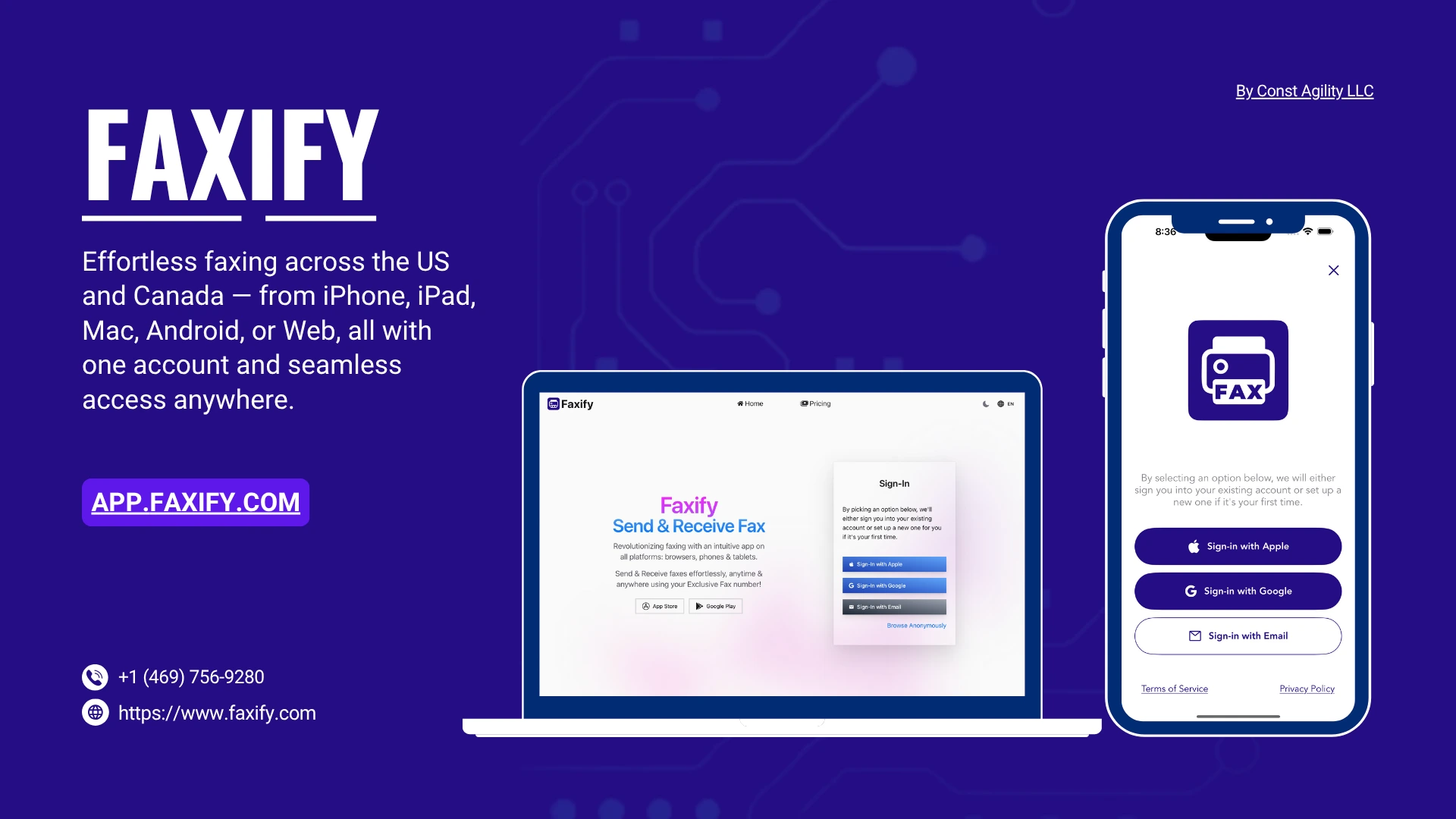
Online fax is a service that lets you send and receive faxes through an app or a web browser — no fax machine, no dedicated phone line, no hardware. Some services also accept documents by email; Faxify has no email-to-fax today (in development, not shipped). Your document travels over the internet to the service provider, who hands it off to the standard fax network and delivers it to the recipient's fax number. The recipient receives a regular fax. They don't need any software to read it.
The technology has been around since the mid-1990s, but it stays relevant because the workflows that still require fax — legal filings, real-estate disclosures, government and tax paperwork — have stayed stubbornly on the fax network even while everything else moved to email and e-signature. If your job intersects with any of those, you've either bought a fax machine you'd rather not maintain, or you're looking for a way to do this without one.
This guide covers what online fax actually is, how the technology works, when it's the right tool versus secure email or e-signature, and what to look for when you're picking a service.
What is a fax machine?
A fax machine is a device that scans a paper page, encodes it and sends it over a phone line to another fax machine or fax service, which prints or stores it. "Fax" is short for facsimile, an exact copy.
Fax machines are still common in medical offices, law firms, insurers and government agencies, where many forms ask for a fax number. Often the fax machine is an office all-in-one printer, which needs a phone line to fax.
The difference from online fax is what you handle. A machine works on paper: you feed pages in, and incoming faxes usually print in its tray. Online fax works on files: you send from your phone or a browser, and incoming faxes arrive as PDFs. The fax that reaches the other end is the same. Our industry outlook covers the history of the fax machine and where fax is going.
What online fax actually replaces
Three things, in order of importance:
The fax machine itself. Online fax replaces the machine with software running on your existing phone, laptop, or browser. Document goes in, signal goes out, no hardware in between.
The dedicated phone line. Traditional fax requires its own analog phone line, separate from your voice line, because the audio tones conflict with normal voice calls and most modern VoIP systems break fax transmissions in subtle ways. Online fax replaces the phone line with an internet connection. The "fax line" is now a server somewhere routing your document over the internet to a fax-network gateway.
The per-page costs and printer ink. Traditional fax bills you per page (when you send through a service like UPS Store) and consumes paper and toner (when you send from your own machine). Online fax bills a flat monthly fee for a page allowance — typically $5 to $15 a month for 100 to 2,000 pages — with no per-page printing.
What online fax does not replace: the underlying fax protocol. The recipient on the other end is still a fax machine (or another online fax service's receive endpoint). The data is still encoded as T.38 packets or G.711 audio between the carrier and the recipient. From the recipient's perspective, nothing changes. That's the point.
How does fax work?
A fax machine calls another fax machine, agrees on settings with it, then scans the page into dots, compresses them and sends them as sound over the phone line. Fax machines follow Group 3, a standard the ITU-T sets out in T.4 (the page image) and T.30 (the call). The five steps:
- Handshake. The sending machine dials, and the two machines trade capabilities at 300 bits per second under T.30, settling on resolution, compression and speed. That exchange is the screeching at the start of a fax call.
- Scan. The page becomes a grid of black or white dots: 1,728 per line, and about 98 lines per inch at standard resolution or 196 at fine, which is sharper but slower to send.
- Compress. Most of a typical page is white space, so the machine sends run lengths (so many white dots, then so many black) using T.4's Modified Huffman code, or Modified READ if both machines support it.
- Transmit. A modem sends the data as audio, at up to 14,400 bits per second on a typical Group 3 machine (V.17), slower on a noisy line. "Super G3" machines use a V.34 modem rated up to 33,600, though line conditions often hold them lower.
- Decode and print. The receiver decodes and prints (or stores) each page and confirms it arrived, which the sender logs on its transmission report.
An online fax service does the same job in software: it turns your file into fax pages and hands the call to a carrier, which runs the T.30 handshake over T.38 or G.711 audio (diagram below). Faxify shows a fax as Delivered only when the carrier confirms the receiving machine got it. The carrier's leg to the recipient's machine crosses the phone network unencrypted; our online fax security guide covers T.30, T.38 and encryption.
How online fax works
Online fax services take documents in up to three ways, and all of them converge on the same backend. Faxify uses the mobile app and web app routes; it has no email-to-fax today (in development, not shipped).
     Email                       Mobile app                    Web app
     gateway                     (iOS / Android)               (browser)
       │                              │                            │
       │ attach PDF                   │ snap a photo               │ upload PDF,
       │ send to:                     │ or upload a PDF            │ enter recipient
       │ fax@servicedomain            │ enter recipient            │ fax number
       ▼                              ▼                            ▼
  ┌─────────────────────────────────────────────────────────────────────┐
  │  Online fax service                                                 │
  │  - validates the document and fax number                            │
  │  - generates a cover sheet                                          │
  │  - converts everything to a fax-ready format                        │
  │  - hands the job to a carrier                                       │
  └─────────────────────────────────────────────────────────────────────┘
                                    │
                                    ▼
  ┌─────────────────────────────────────────────────────────────────────┐
  │  Carrier infrastructure                                             │
  │  - negotiates T.38 (or G.711 fallback) with the recipient           │
  │  - retries transient failures                                       │
  │  - reports delivery status                                          │
  └─────────────────────────────────────────────────────────────────────┘
                                    │
                                    ▼
                            ┌───────────────────┐
                            │  Recipient fax    │
                            │  machine or DID   │
                            └───────────────────┘
The technical part most people don't see: the carrier. Companies like SignalWire, Bandwidth, and Telnyx run the actual fax-network infrastructure — the part that talks T.38 to the recipient's fax endpoint. Your online fax service is a layer on top: it handles the document, the UI, the account, and the billing, then hands the transmission off to the carrier. Some carriers sign Business Associate Agreements with the services built on top of them. That agreement covers the carrier's relationship with the service and extends no HIPAA coverage to you; for HIPAA work, the service itself has to sign a BAA with you.
Receiving a fax works the same way in reverse. You get a dedicated fax number (a real, dialable phone number on the fax network), and incoming faxes land in your account as PDF documents. Inbound faxes from any sender — another online service, a hospital's fax machine, an insurance company's auto-fax system — all arrive the same way.
When online fax is the right tool
Online fax is the right answer in a specific situation: the receiving party requires fax, and email or e-signature isn't acceptable. That happens more often than people expect:
- Healthcare: many practices and insurers still run on fax, and many practice-management systems can only receive faxes, not email attachments. Faxify is not HIPAA compliant and does not sign Business Associate Agreements. If you handle PHI, use a vendor that will sign a BAA with you.
- Legal: court filings in jurisdictions where fax is the accepted channel, service of process where statute requires fax, opposing-counsel exchanges that haven't moved off fax.
- Real estate: disclosures, addenda, and signed pages exchanged with title companies and lenders who haven't adopted secure document portals.
- Government: tax authorities, immigration paperwork, court filings, prison correspondence — many agencies publish only fax numbers for document submission.
- Banking and finance: some loan applications, foreclosure paperwork, and account documentation still require fax submission.
If the recipient accepts email PDF attachments, encrypted email, or an e-signature platform like DocuSign, those are usually faster and easier. Online fax exists specifically because the recipient doesn't accept those — and you need to send something today rather than wait for the recipient to modernize.
A useful test: if the form you're filling out asks for a "fax number" but not an "email," you need online fax. If it asks for both and the email works, use email.
What makes a good online fax service
When you're comparing services, the questions worth asking:
Platform breadth. A good service runs on iOS, Android, and a web browser, with all three syncing. If you draft a fax on your phone and finish it on your laptop, you shouldn't be starting over. Some services are still web-only or mobile-only — fine if that matches how you work, but limiting otherwise.
Honest pricing. Look for a published pricing page with real numbers, monthly and annual breakdowns, and a clear page allowance per tier. Be cautious of "starting at $X" claims that turn out to be annual-prepay only, or "free trial" plans that auto-renew at hidden rates. Per-page overage charges (what happens when you exceed the plan) should also be public.
A real free tier. Most legitimate services offer 5 to 25 free pages per month with no credit card required. Use it. Send a real fax, check the quality, see how the app feels, decide if the integration earns your business before paying. Services that hide everything behind a credit-card-required trial are worth less trust.
Security and compliance posture. At minimum, uploads should be encrypted in transit (256-bit SSL is standard). For HIPAA-regulated work, look for a service that signs a Business Associate Agreement with you.
User-driven deletion. You should be able to delete a fax, a draft, or your entire account from inside the app without emailing support. App Store and Play Store now require in-app account deletion, but the ability to delete individual faxes and drafts (and have that propagate to the underlying carrier records) is a separate question worth asking.
Coverage. Most consumer online fax services cover the US and Canada. International support is rarer and more expensive. If you need to fax to or from outside North America, confirm coverage before signing up.
What we'd argue doesn't matter as much as the marketing implies: page count "up to N pages" claims at the high end (you almost certainly don't need 5,000 pages a month), "AI-powered" feature names that don't change what the fax does, or aggressive comparison ads. Pricing transparency and platform breadth do most of the work.
Where Faxify fits
We make Faxify, an online fax service for the US and Canada with iOS, iPad, Android, and web apps that share one account (the iPad app also runs on Apple Silicon Macs through macOS app compatibility). The free tier is 5 pages per month with no credit card. Paid plans start at $7.99 per month for 250 pages — or $5.83 per month effective on the annual plan, with a dedicated fax number included — scaling to $14.99 for 2,000 pages. Your connection to Faxify is encrypted with 256-bit SSL, and Faxify sends faxes over SignalWire's carrier network. Individual faxes, drafts, and entire accounts can be deleted from inside any of the apps.
⚠️ Compliance disclaimer: Faxify is not HIPAA compliant and does not sign Business Associate Agreements. Do not send PHI (Protected Health Information) through Faxify. This post explains how online fax works in general; it is not legal advice. This applies to every plan, free and paid, and to the MCP server. Faxify's carrier and document-storage providers hold their own BAAs with Faxify; that covers their relationship with us and extends no HIPAA coverage to you. If you handle PHI, use a vendor that will sign a BAA with you.
If you're shopping around, what's worth doing: try a couple of services on their free tier, compare the apps you'd actually use, and see which one feels right. A head-to-head pricing comparison across the major online fax services is in our pricing-comparison post. If you specifically care about sending faxes from inside AI tools like ChatGPT or Claude, our Faxify MCP guide covers that.
For Faxify-specific pricing details: see our pricing page.
FAQ
What is online fax? Online fax is a service that lets you send and receive faxes through an app or a web browser instead of a physical fax machine; some services also accept documents by email. Your document travels over the internet to the service provider, who then transmits it over the standard fax network to the recipient's fax number. The recipient receives a regular fax — they don't need any special software.
How does a fax machine work? A fax machine scans a page into black-and-white dots, compresses them and sends them as sound over a phone line. Under the ITU-T's Group 3 standard, T.4 defines the scanning and compression, and the T.30 handshake, the screeching at the start of the call, sets resolution and speed. The modem runs at up to 14,400 bits per second, or 33,600 on Super G3 machines, and the receiving machine decodes and prints the page.
Do I still need a fax machine to receive a fax? No. Online fax services give you a dedicated fax number that receives incoming faxes as PDF documents in your account. You can read them on your phone, computer, or in email — no machine, no paper, no phone line required.
Is online fax legally valid? Yes. An online-fax-to-fax-machine transmission is legally identical to a machine-to-machine transmission. The receiving end sees a fax; courts, hospitals, insurers, and government agencies treat it the same way they treat any other fax. Jurisdictions vary on specific use cases (court filings, service of process), so confirm local rules for regulated workflows.
How is online fax different from secure email or e-signature? Online fax delivers documents over the fax network, which many regulated workflows (court filings, real-estate closings, government forms) still require by policy or by statute. Secure email and e-signature platforms are better tools when both parties accept them — but you can't email a document to an office that only accepts fax. Online fax exists to bridge that gap without keeping a fax machine around.
Is online fax HIPAA-compliant? Online fax can carry HIPAA-regulated documents only when the service signs a Business Associate Agreement (BAA) with you. Faxify is not HIPAA compliant and does not sign Business Associate Agreements. Do not send PHI (Protected Health Information) through Faxify. This applies to every plan, free and paid, and to the MCP server. Faxify's carrier and document-storage providers hold their own BAAs with Faxify; that covers their relationship with us and extends no HIPAA coverage to you.
How much does online fax cost? Most services have a small free tier (5–25 pages per month) and paid plans starting around $5/month for ~100 pages, scaling to ~$15/month for 2,000 pages. Dedicated fax numbers are typically included on annual plans and cost extra on monthly. Watch for per-page overage charges and annual-only pricing claims when comparing.
Written by Zoya Aslam at Const Agility, LLC — makers of Faxify.